
After being awarded a contract on BuildZoom, you can pay for the referral fee from your account.
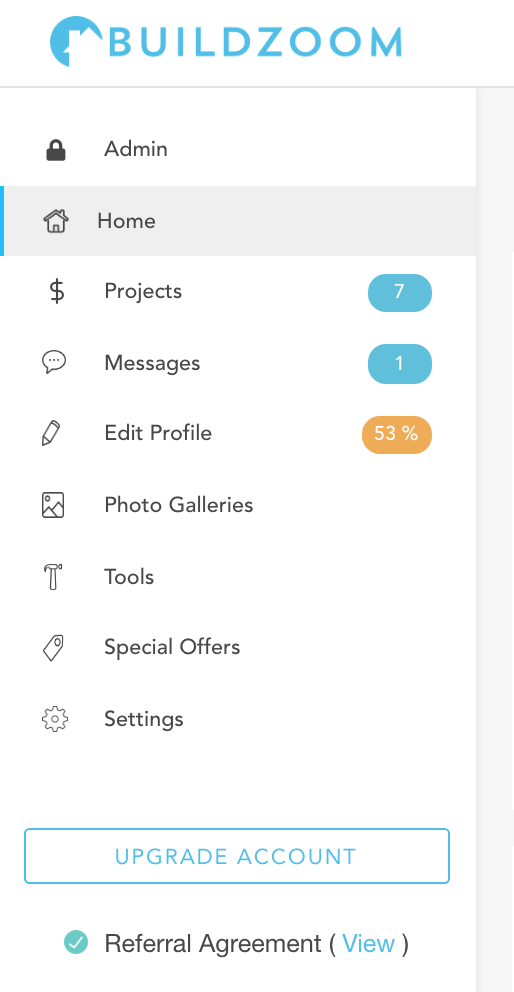
After logging-in, click on the ‘Projects’ link in the left-hand column.
This will take you to your pipeline, where you’ll be able to see all of your BuildZoom projects. Click on the pipeline stage marked, ‘Hired.’
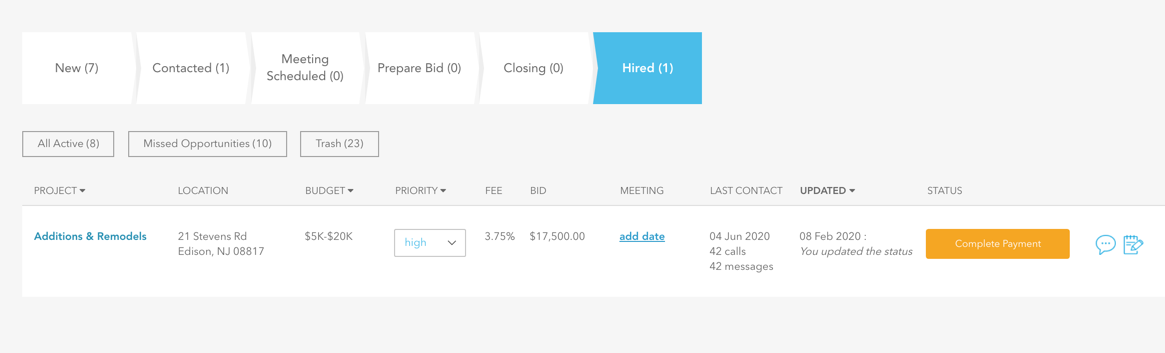
You’ll see an orange button labeled, ‘Complete Payment,’ which you should click.
Then, follow the simple instructions to process your payment!